
Make it yours
Teams, logos and players
Swap the demo teams for yours. Add a roster and goals show who scored, with their photo if you have one.
Your team
On your scoreboard home, Make it your team changes the home team: the name, the short name, the logo and the colour.
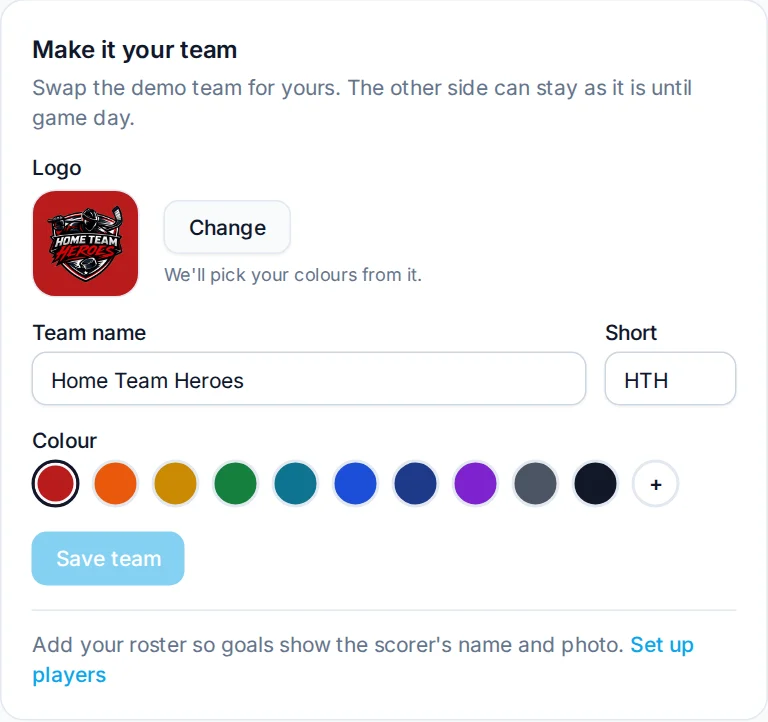
- Logo. Upload a PNG or JPG. HockeyScore picks colours from it for you, and tidies up logos with a white background.
- Short name. Three or four letters, like
HTH. Used wherever space is tight. - Colour. Pick from the logo's colours or any other. The scoreboard keeps the text readable on top.
Opponents and other teams
Add the teams you play in Teams. Next game, pick them in New game and their logo and colours come along. Teams can belong to a league, which keeps the lists short when you stream more than one.
Players
Open a team in Teams and add players with their number, name and an optional photo. When you enter a scorer's number during a goal, the stream shows their name, and their photo if they have one.
Got the roster on a league website? Import roster reads a team roster page (GameSheet and most league sites) and fills in the numbers and names for you.