
Streaming apps
Add your scoreboard to PRISM Live Studio
PRISM is a free streaming app for phones, with a PC version too. On the phone the scoreboard goes in as a Web widget.
On a phone
- Get your overlay link onto the streaming phone. Copy it from your scoreboard home, or use Email me the setup link there.
- Open PRISM, turn the phone sideways and swipe across to My Studio.
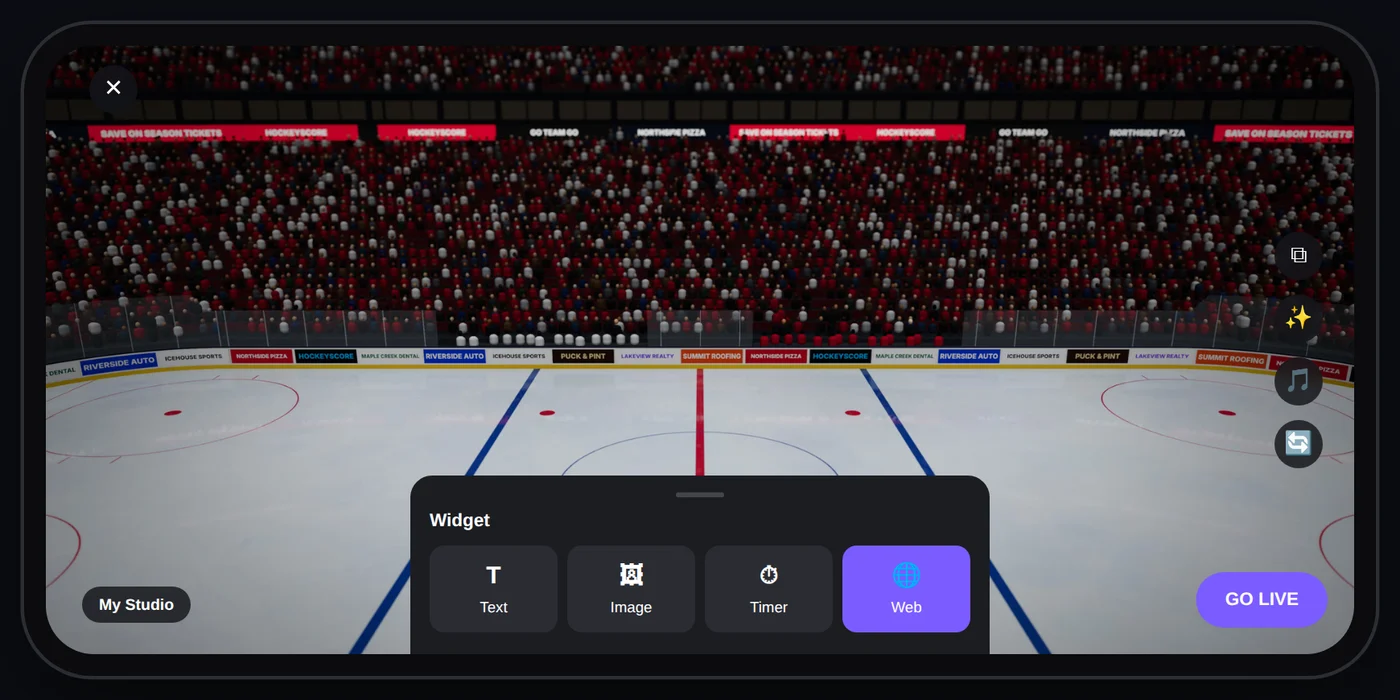
- Tap Widget and choose Web.
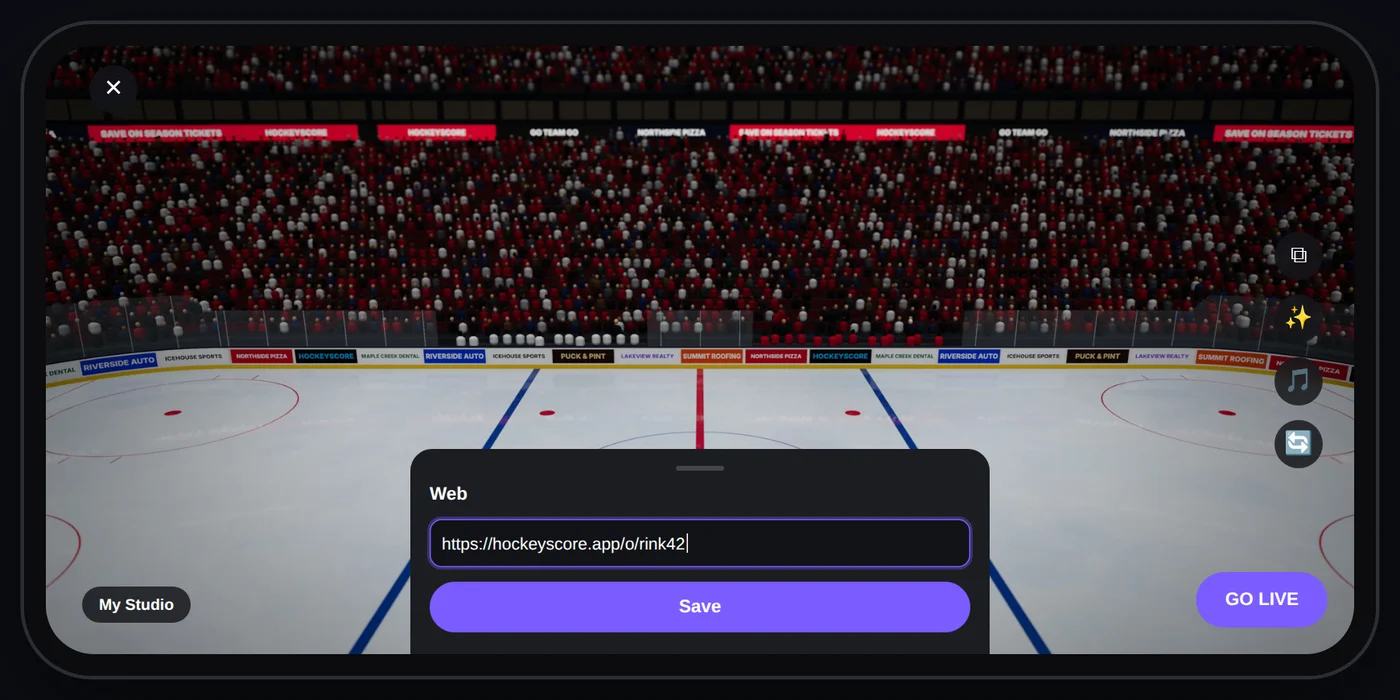
- Paste your overlay link and tap Save.
- Drag the corners of the widget box so it covers the whole screen.
On a PC
PRISM Live Studio for PC works like OBS: in Sources, click +, choose Browser, paste your overlay link and set the size to 1920 × 1080. Keep the scoreboard above your camera in the list. The OBS guide has the details and tips.
Keep score
The streaming phone is busy filming, so keep score from another phone, or hand the controls to a helper. See Share the controls.