
Game day
Let a helper keep score, or run it on your own
Filming and keeping score at the same time is a lot. HockeyScore works both ways. Hand the scoring to someone in the stands, or do it all yourself.
Hand the scoring to a helper
The controls are a web link. Anyone with the link can keep score from their own phone. They don't need an account, a password or an app.
- Open your scoreboard home. Once you're set up, tap the Share controls shortcut.
- Under Keep score from your phone, tap Share controls link and send it by text, WhatsApp or email. On a computer, they can scan the QR code instead.
- Your helper taps the link and they're in.
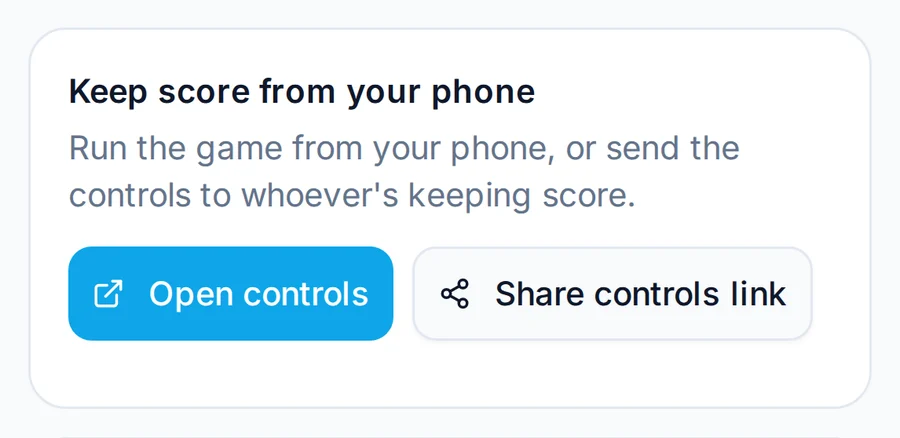
That's it. You keep the camera on the play, and they handle goals, penalties and the clock. Good helpers:
- Another parent who watches every game anyway.
- The scorekeeper's bench or the off-ice official, if the league is happy for them to tap along.
- A sibling, grandparent or injured teammate in the stands.
Running it on your own
Plenty of people film and keep score at the same game. The trick is to set the camera up so it doesn't need you.
- Mount the streaming phone or camera. A tripod, a fence clamp, or a suction mount on the glass. Point it at the whole ice, not the puck. A wide, steady shot looks far better than a shaky close-up.
- Keep score on a second phone. Any old phone works, because it only needs a browser. Add the controls to its home screen so they open full screen.
- Update at the whistle. Goals and penalties can wait for the next stoppage. Start and stop the clock if your league runs stop time, or leave it running for running time.
Let the family follow along
Send grandparents and anyone who couldn't make it the stream link from YouTube or Facebook. The scoreboard is part of the video, so they always know the score, even if they join halfway through the second period.